Image preview mixin
These Mixins allow you to add an image preview to your custom Piece easily.
They require an array param named image to exist on the Piece, and will
update the preview automatically when its value changes.
Add the mixin before pzp.Piece in your class definition, specifying any
settings as class variables:
import puzzlepiece as pzp
from pzp_hardware.generic.mixins import image_preview

import numpy as np

class Piece(image_preview.ImagePreview, pzp.Piece):
    # including any of these settings is optional, these are the defaults:
    live_toggle = False # include a toggle to enable live mode
    autolevel_toggle = False # include a toggle to enable autoleveling
    max_counts = 255 # the maximum image brightness (will be white with autolevel off)
    use_numba = False # if you need increased performance, you can tell pyqtgraph to use numba
    # horizontal_layout = True # you can use Piece settings to display the preview to the right
    #                           # of the params

    def define_params(self):
        super().define_params()

        @pzp.param.array(self, "image")
        def image():
            return np.random.random((1080, 1440)) * 255
- class pzp_hardware.generic.mixins.image_preview.Base[source]
Bases:
objectBase for image previews, implements the live toggle and the autolevel toggle, as well as the settings outlined below.
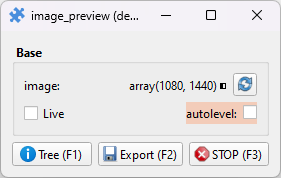
Will not display an image preview on its own, use
ImagePrevieworLineoutImagePreview, which are based on this class.- live_toggle = False
Display a toggle that lets the user refresh the image live
- autolevel_toggle = False
Display a toggle that makes the image brightness range adjust automatically
- max_counts = 255
Adjust the default range of the image view, this is the white point
- use_numba = False
Enable numba acceleration for some performance gains (but longer initial load times)
- class pzp_hardware.generic.mixins.image_preview.ImagePreview[source]
Bases:
BaseMixin for displaying an image preview in your Piece. See
pzp_hardware.generic.mixins.image_previewabove for usage.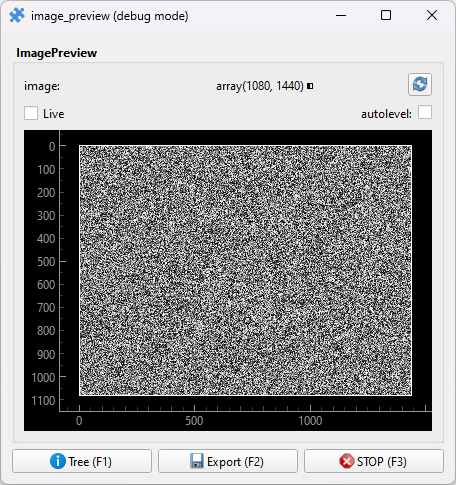
- class pzp_hardware.generic.mixins.image_preview.LineoutImagePreview[source]
Bases:
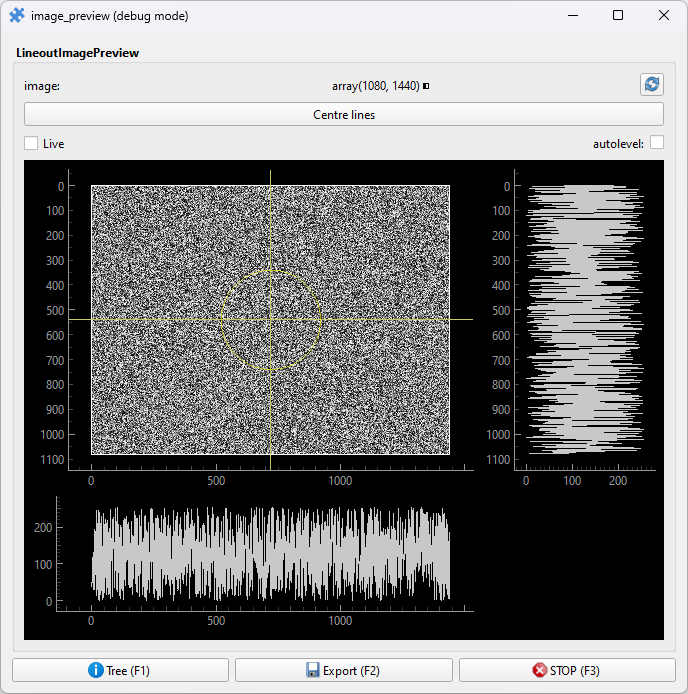
BaseMixin for displaying an image preview in your Piece, with two movable lines that let you plot the image’s profile along them. An action is added to centre the lines (keyboard shortcut:
c), and a hidden param is included for the line crossing circle radius.See
pzp_hardware.generic.mixins.image_previewabove for mixin usage.